


Look, here's the thing most people don't tell you about Bitcoin: if you're not running your own node, you're basically trusting someone else to tell you the truth about your money. It's like checking your bank balance but having to ask your neighbor what it says instead of looking yourself.
When you run a Bitcoin node, you become a sovereign participant in the network. No middleman, no trust required, no one tracking what you're doing. You verify your own transactions, enforce your own rules, and take back control of your financial privacy.
What Even Is a Bitcoin Node?
A Bitcoin node is basically a computer running Bitcoin software that stores a complete copy of the entire Bitcoin blockchain and validates every single transaction and block according to Bitcoin's rules. Think of it as your personal Bitcoin referee that makes sure nobody's cheating.
Your node doesn't trust anyone. It checks everything independently. Someone says they sent you Bitcoin? Your node verifies it. Someone claims a block is valid? Your node checks the math. This is what "don't trust, verify" actually means in practice.
The Privacy Problem You Didn't Know You Had
Here's what happens when you don't run your own node:
✅ Using a wallet without your own node: Your wallet connects to someone else's node to check your balance and broadcast transactions. That node operator can see your IP address, your Bitcoin addresses, your balance, and your entire transaction history. They're essentially your Bitcoin surveillance system.
✅ Using a blockchain explorer: Same deal. You're literally handing your financial privacy to a random website every time you check a transaction.
✅ SPV wallets: These "lightweight" wallets ask other nodes about your specific addresses, which is like calling a stranger and asking them to look up your bank account.
When you run your own node, all of this ends. Your wallet connects to your node, which already has the entire blockchain. No one else needs to know anything about your Bitcoin activity.
The Real Benefits of Running a Node
- 1. Maximum Privacy : Your transactions and queries never leave your own infrastructure. No one can connect your IP address to your Bitcoin addresses except you.
- 2. True Verification : You verify that Bitcoin's rules are being followed. You check that you actually received payment. You ensure no inflation is happening. You don't trust anyone.
- 3. Network Contribution : You make Bitcoin more robust and censorship-resistant. The more independent nodes, the harder Bitcoin is to attack or control.
- 4. Full Control : You can use advanced features like connecting multiple wallets, running a Lightning node, using CoinJoin for privacy, running your own block explorer, and more.
- 5. Education : You actually understand how Bitcoin works at a deeper level when you run the infrastructure yourself.
The Best Bitcoin Nodes in the Market
Let's break down the top options from easiest to most advanced:
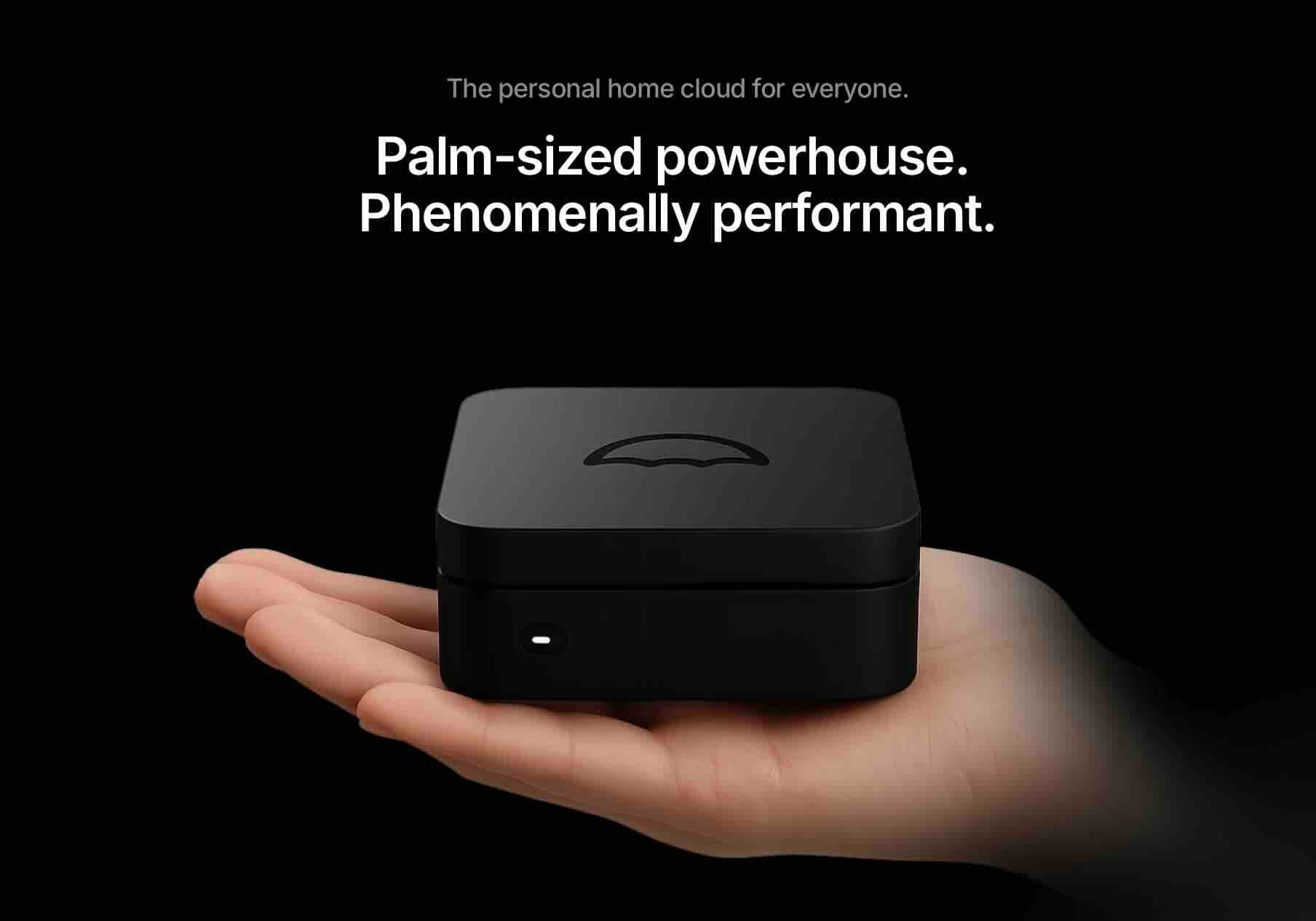
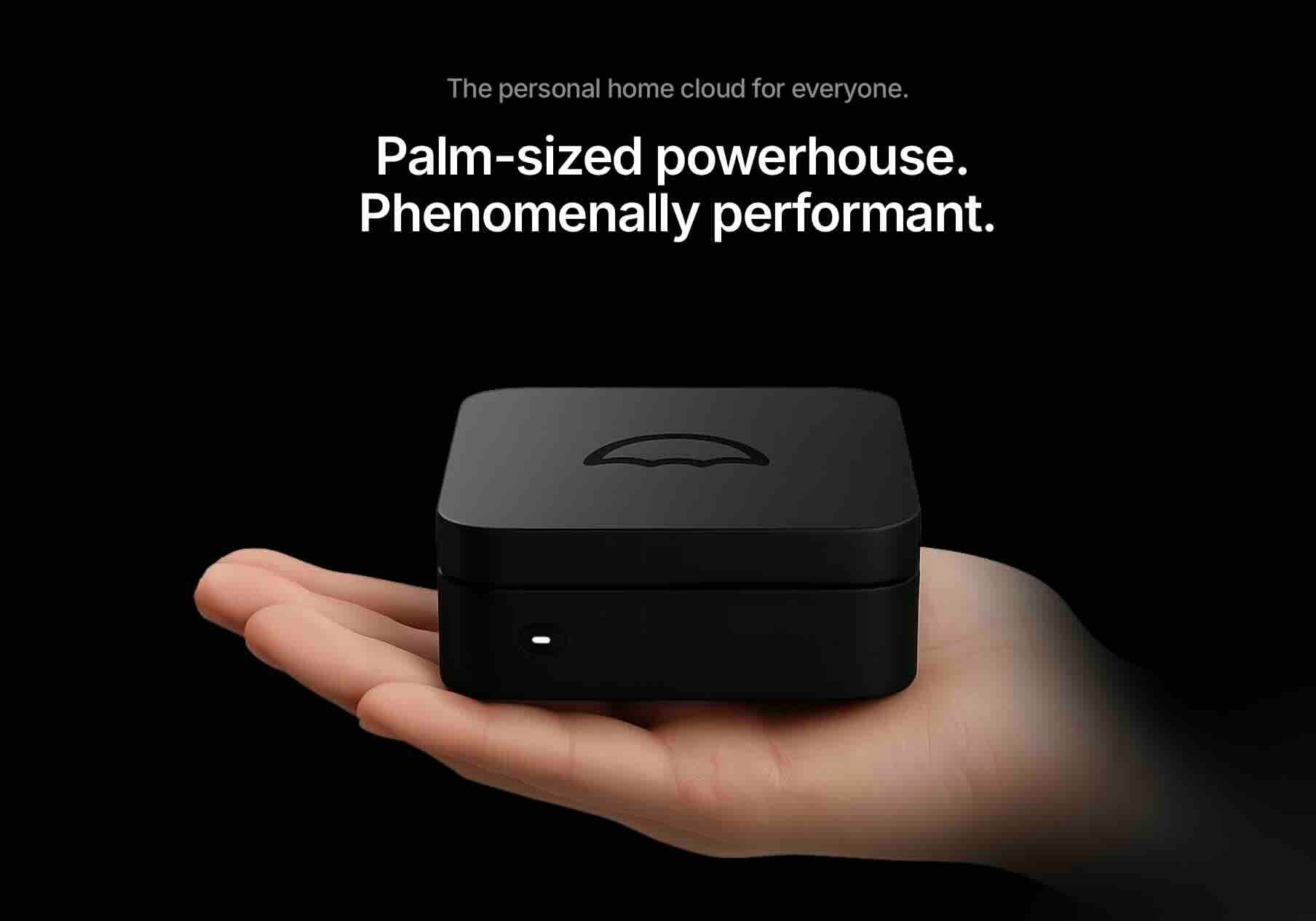
1/ Best Overall Value: Umbrel
What it is: Free, open-source software you can install on any computer, especially Raspberry Pi.
Price: Free (but you need hardware)
Why it's great:
- Completely free software
- Beautiful, intuitive interface
- Huge app store with Lightning, BTCPay, block explorers, etc.
- Active development and community
- Can run on $100-200 worth of hardware (Raspberry Pi 5 + SSD)
- Regular updates with new features
How to get it: Buy a Raspberry Pi 5 (8GB), a 2TB SSD, and install Umbrel yourself, or buy a pre-assembled Umbrel Home for $549.
 Nakamoto Builder
2/ Best for Beginners: Start9 Embassy
What it is: A personal server that runs Bitcoin and other apps with a beautiful, simple interface.
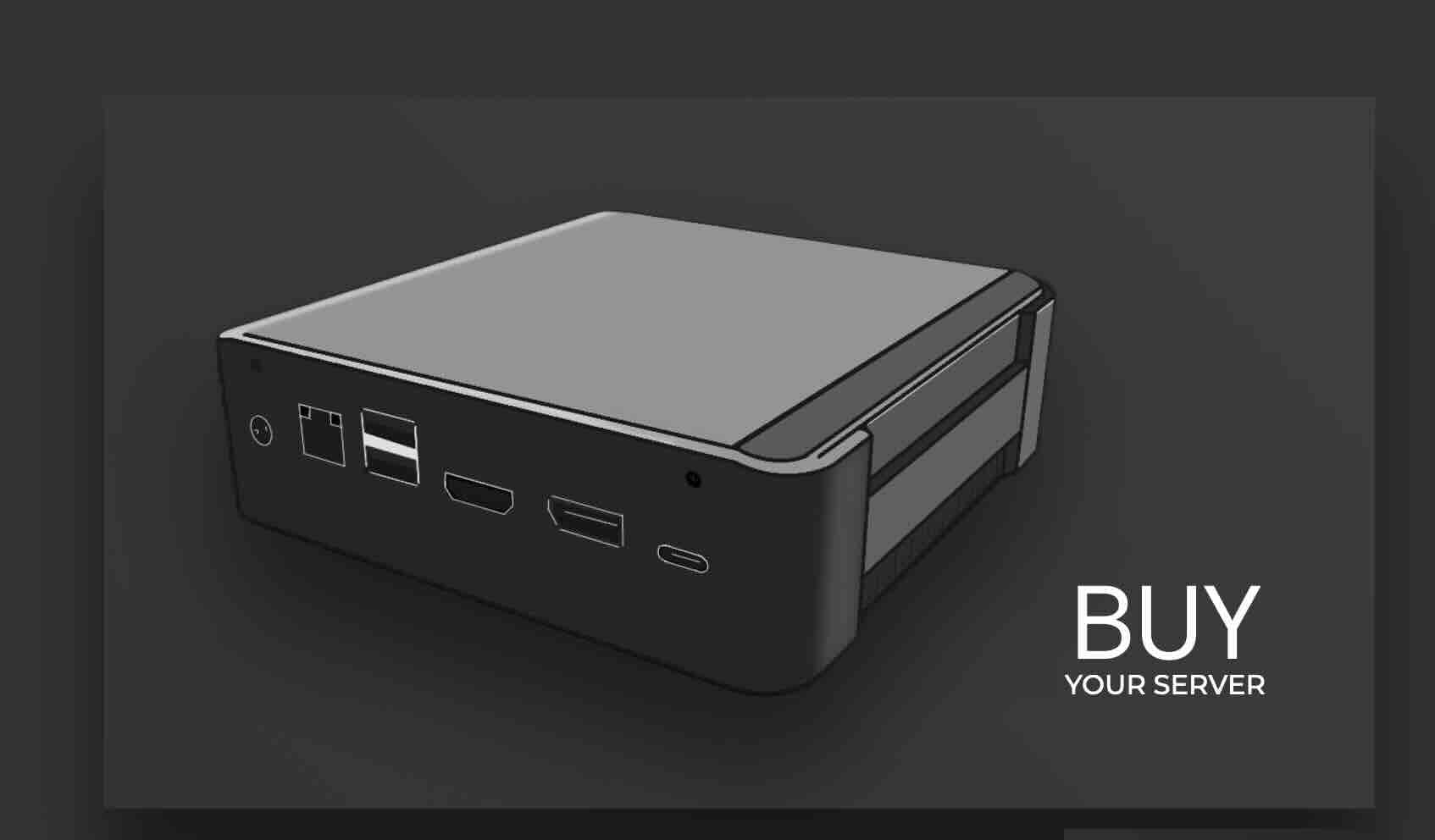
Price: Embassy One: $349 | Embassy Pro: $799
Why it's great:
- Setup takes about 10 minutes, seriously
- Gorgeous web interface you can access from any device
- Runs Bitcoin Core plus Lightning, BTCPay Server, and tons of other apps
- One-click updates for everything
- Built-in encrypted backups
- Great for non-technical people
The catch: It's a premium price for premium convenience.
 Nakamoto Builder
3/ Best for Power Users: RaspiBlitz
What it is: A DIY Bitcoin/Lightning node focused on power and flexibility.
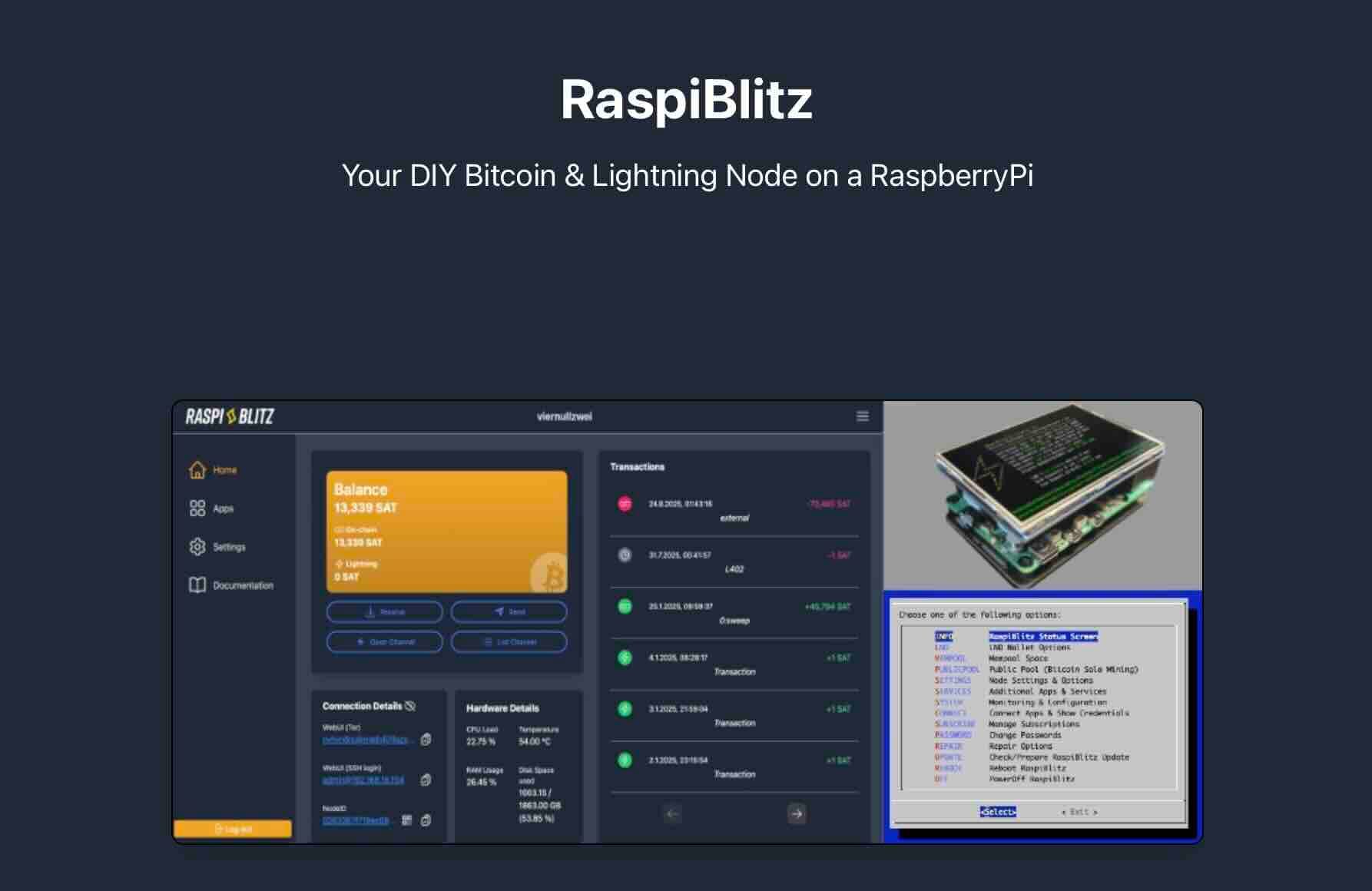
Price: Free software, ~$200-300 for hardware
Why it's great:
- Maximum control and customization
- Command line access for advanced users
- Extremely well-documented
- Active community support
- Educational focus helps you learn Bitcoin deeply
The catch: More technical setup, less polished interface than Umbrel.
4/ Best Plug-and-Play: Nodl
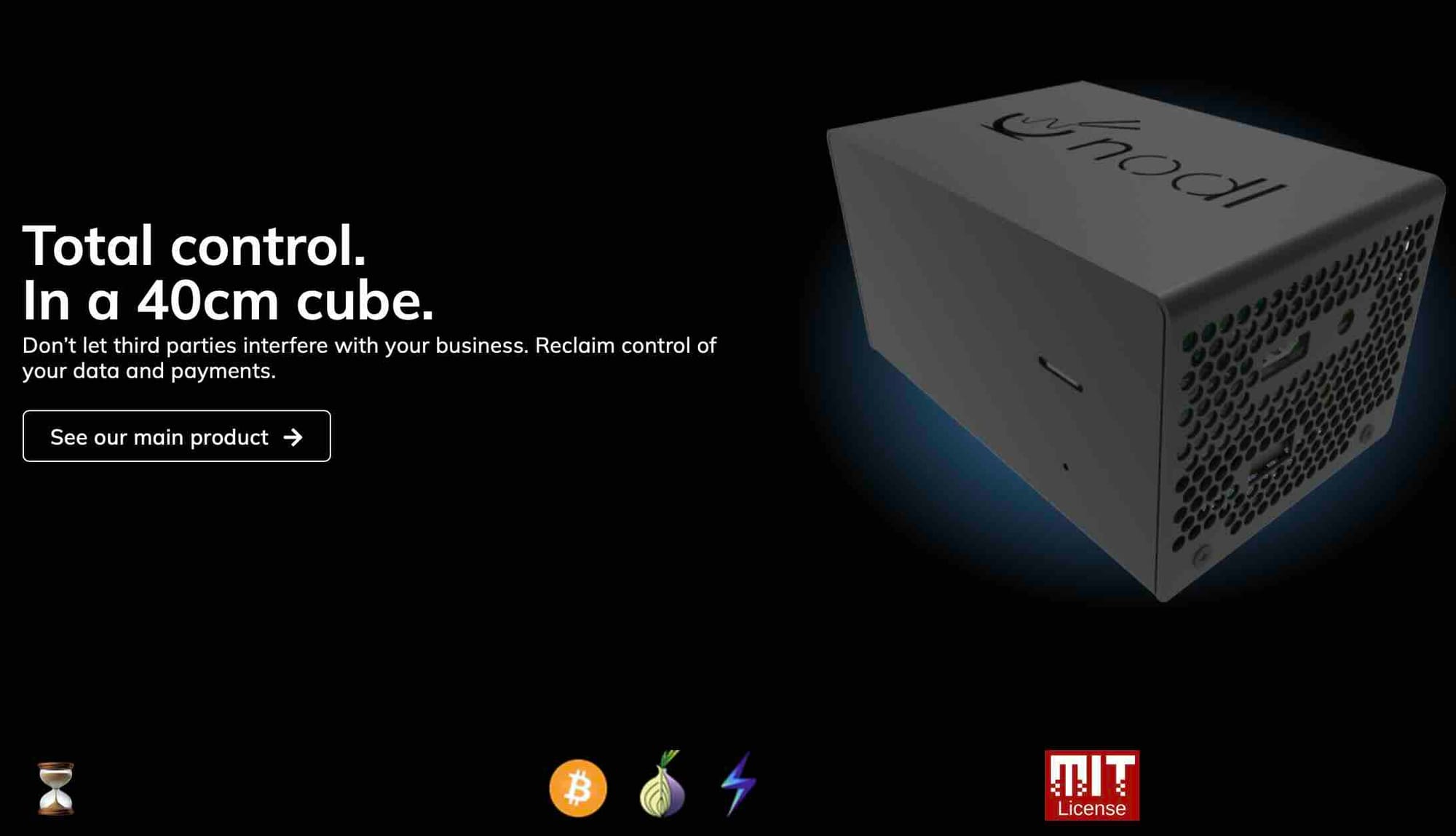
What it is: Premium pre-configured Bitcoin node hardware.
Price: Nodl One: $499 | Nodl Dojo: $949
Why it's great:
- Arrives ready to plug in
- Professional hardware quality
- Excellent support
- Samourai Dojo integration for maximum privacy
- Reliable and well-tested
The catch: You pay a premium for convenience and support.
5/ For True Sovereignty: Build Your Own with Bitcoin Core
What it is: Running Bitcoin Core on your own computer/server.
Price: Free software, use existing computer or build one
Why it's great:
- Maximum control and sovereignty
- You understand every component
- Can run on nearly any computer
- No dependency on any company
- Most secure if done correctly
The catch: Requires technical knowledge, no pretty interface, manual setup for additional features.
How to Actually Run a Node: Step-by-Step
Let me walk you through the Umbrel path since it's the best balance of ease and value:
What You'll Need
- Raspberry Pi 5 (8GB RAM): ~$80
- 2TB SSD (Samsung T7 or similar): ~$130
- MicroSD card (32GB minimum): ~$10
- Power supply for Pi: ~$10
- Ethernet cable
- Total cost: ~$230
The Setup Process
Step 1: Download Umbrel Go to umbrel.com and download the Umbrel OS for Raspberry Pi.
Step 2: Flash the SD Card Use Balena Etcher (free software) to write the Umbrel image to your microSD card. Takes about 5 minutes.
Step 3: Connect Everything
- Insert the SD card into your Raspberry Pi
- Plug in your SSD via USB
- Connect Ethernet cable from Pi to your router
- Power on the Pi
Step 4: Access Umbrel Open a browser on any device on your network and go to http://umbrel.local Create your account and password.
Step 5: Install Bitcoin From the Umbrel App Store, click "Bitcoin Node" and install it.
Step 6: Wait for Sync Your node will download the entire Bitcoin blockchain. This takes 24-72 hours depending on your internet speed. Just let it run.
Step 7: Connect Your Wallet Once synced, connect your favorite wallet (BlueWallet, Sparrow, etc.) to your node instead of someone else's server.
That's literally it. You're now running your own Bitcoin node.
Privacy Best Practices Once You're Running
Running a node is step one. Here's how to maximize your privacy:
1. Run Tor
Most node software lets you enable Tor, which hides your IP address when broadcasting transactions. Turn this on.
2. Use Your Node for Everything
Connect all your wallets to your node. Stop using blockchain explorers. Your node has all that info already.
3. Consider a VPN
Running a VPN on your home network adds another layer of privacy, though Tor alone is usually sufficient.
4. Don't Reuse Addresses
Your node makes it easy to generate new addresses for every transaction. Use this feature.
5. Explore CoinJoin
Apps like Whirlpool (via Samourai/Sparrow) can run through your node and break the links between your transactions.
6. Keep Your Node Online 24/7
The more consistently your node runs, the less metadata you leak by having specific on/off patterns.
The Bottom Line
Running your own Bitcoin node is the single most important thing you can do for your Bitcoin privacy and security. It transforms you from a passive user into an active participant who verifies everything independently.
For most people, I'd recommend starting with Umbrel on a Raspberry Pi. It's affordable, easy to set up, has a great interface, and gives you room to grow with Lightning and other apps.
If you want even easier setup and don't mind spending more, grab a Start9 Embassy.
If you're technical and want maximum control, go with RaspiBlitzm, Umbrel or build your own with Bitcoin Core.
Whatever you choose, the important thing is to stop trusting other people's nodes and start verifying Bitcoin yourself. That's what Bitcoin was designed for.
Your financial sovereignty starts with running your own infrastructure. The initial blockchain sync might take a few days, but your privacy is worth the wait.
Don't trust. Verify. Run a node.
Common Questions
Q: Does running a node earn me Bitcoin? No. Only miners earn new Bitcoin. Nodes verify and relay transactions but don't get rewards. You run a node for sovereignty and privacy, not profit.
Q: Will this slow down my internet? The initial sync uses a lot of bandwidth, but after that it's minimal, usually less than 20GB per month.
Q: Can I run this on a laptop? Yes, but dedicated hardware is better because it should run 24/7. A laptop that's always on uses way more power than a Raspberry Pi.
Q: Is this legal? Yes, running a Bitcoin node is completely legal everywhere Bitcoin itself is legal.
Q: What if my power goes out? Your node will resume syncing when power returns. You won't lose the blockchain data already downloaded.
Q: Do I need to understand coding? Not at all, especially with solutions like Umbrel or Start9. If you can install an app on your phone, you can run a node.
Remember: Bitcoin is about removing the need for trust. Running your own node is how you actually do that in practice.
