


The Bitcoin payment processor market is a mess. Merchants see a sleek interface, sign up in minutes, and never question what they're actually getting. Three months later, they're paying premium fees for custodial services that defeat the entire purpose of accepting Bitcoin.
The real question isn't which processor looks prettiest. It's which one actually serves your business model without reintroducing the exact problems Bitcoin was designed to solve.
Three platforms dominate the merchant space: BTCPay Server, OpenNode, and Zaprite. Each takes a radically different approach to the same problem. Understanding the trade-offs means looking past marketing copy and examining what happens to your money.
BTCPay Server: The Self-Sovereign Option
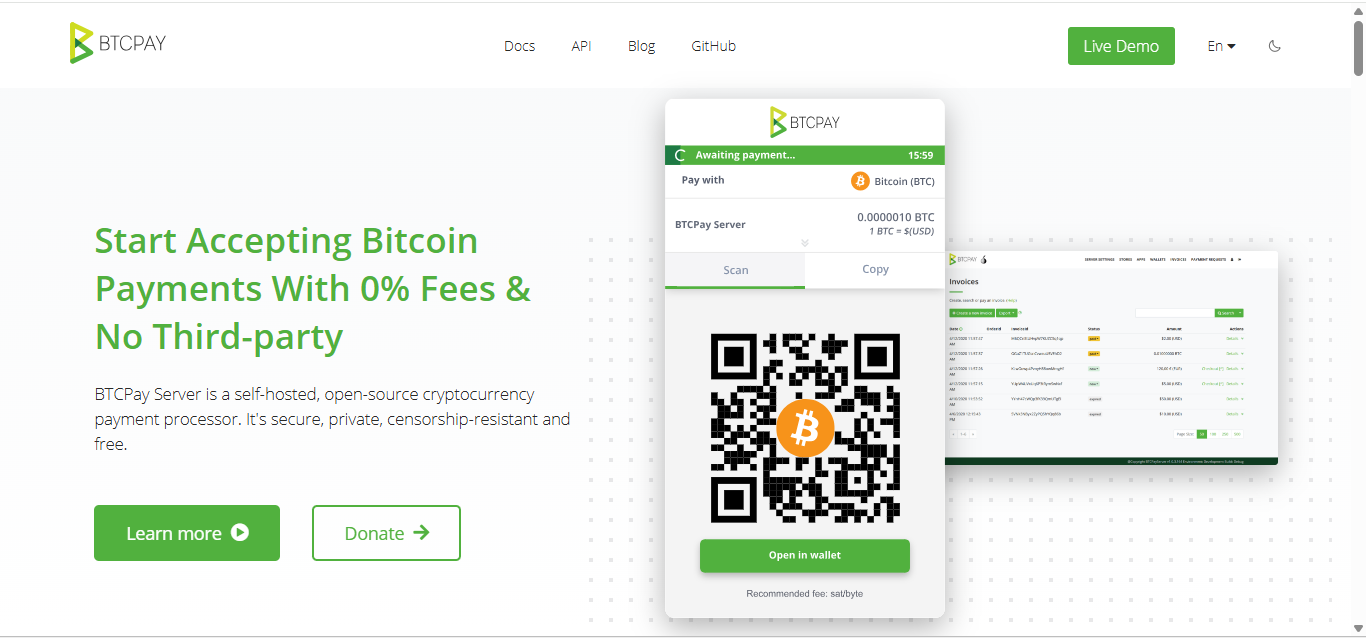
BTCPay Server is free, open-source software that turns your own server into a complete payment processor. Think of it as running your own Stripe, except you control every piece of the infrastructure. The system connects to your Bitcoin node, generates invoices, processes Lightning payments, and settles directly to your wallet.
No company sits between you and your customers. No one can freeze your account, demand KYC documents, or take a percentage of your sales. Payments flow from customer wallets straight into yours with zero intermediaries.
The Pros
Here are the Pros of using BTCPay Server.
- Zero processing fees : Not 0.5%, not "low fees." Actual zero. The only costs are server hosting (typically $10-50/month) and blockchain transaction fees (pennies with Lightning Network).
- Complete sovereignty : Nobody can freeze your account or demand additional verification. The software doesn't have user accounts or terms of service. It's infrastructure you control.
- Privacy by default : Every transaction generates a new Bitcoin address. Customers can't track your sales volume or wallet balance. The system never shares data with third parties because there are no third parties.
- Lightning Network integration : Native support for instant, near-zero-fee payments. Customers pay immediately, you receive immediately, fees measure in satoshis instead of percentages.
- E-commerce compatibility : Plugins exist for WooCommerce, Shopify, Magento, and Prestashop. The platform also provides point-of-sale interfaces and accounting tools.
- No transaction limits : Process $100 monthly or $1 million. The software doesn't care about your volume.
The Cons
Here are the Cons of using BTCPay Server.
- Technical complexity : Setting up BTCPay Server requires comfort with command-line interfaces, server administration, and Bitcoin node operation. Non-technical merchants will struggle.
- Infrastructure responsibility : Server downtime means payment processing downtime. Maintaining uptime, applying security updates, and troubleshooting issues falls entirely on you.
- No customer support : Open-source software has documentation and community forums, not support tickets and phone lines. Problems require self-directed troubleshooting.
- Learning curve : Understanding Bitcoin nodes, Lightning channels, and payment flow takes time. Expect weeks of learning before smooth operations.
- Liquidity management : Lightning Network payments require active channel management. Receiving payments demands inbound liquidity, which means opening channels, balancing capacity, and monitoring channel health.
- No fiat conversion : BTCPay Server handles Bitcoin, period. Merchants wanting automatic USD deposits need separate exchange accounts and manual conversion.
Fees Breakdown
- Setup cost: $0 (software is free)
- Monthly hosting: $10-50 depending on server requirements
- Transaction fees: $0 processing fee + Bitcoin network fees (pennies on Lightning, varies on-chain)
- Total cost for 100 transactions/month: ~$10-50 fixed costs only
Critical Point: BTCPay Server works brilliantly for technically competent merchants processing enough volume to justify the time investment. For everyone else, the learning curve exceeds the fee savings.
 Nakamoto Builder
OpenNode: The Custodial Convenience Play
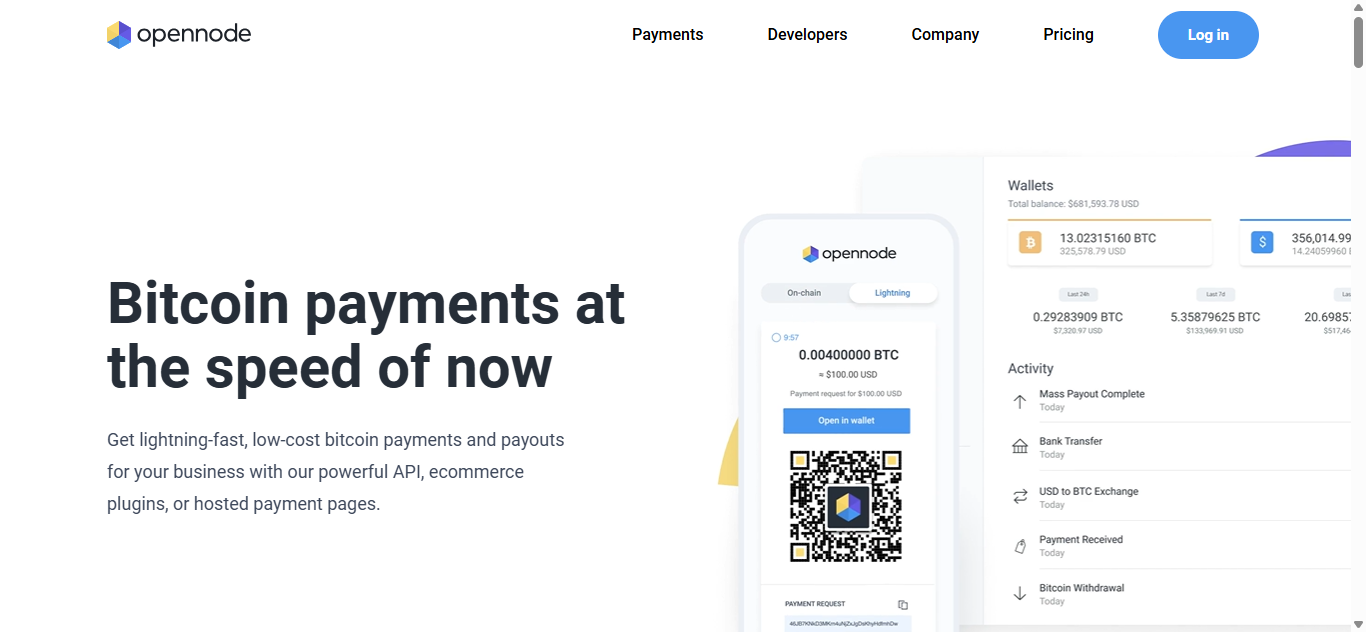
OpenNode is a fully hosted, custodial payment processor. Merchants sign up, get API credentials, and start accepting Bitcoin payments through OpenNode's infrastructure. The company holds received Bitcoin, handles conversions, and settles to your bank account.
This model mirrors traditional payment processors like Stripe or PayPal. Convenience and support come at the cost of custody and control.
The Pros
Here are the Pros of using OpenNode.
- Zero technical requirements : Sign up, integrate the API, and start accepting payments. No servers to maintain, no nodes to sync, no Lightning channels to manage.
- Professional support : Email support, documentation, and account management. When problems arise, someone responds to help tickets.
- Instant fiat settlement : Automatic conversion to USD, EUR, or other currencies. Money lands in your bank account without touching crypto exchanges.
- Merchant protection : OpenNode offers dispute resolution and fraud prevention. While not traditional chargebacks, they provide some recourse for problematic transactions.
- Quick onboarding : Account approval takes minutes to hours, not days. Start accepting Bitcoin the same day you decide to accept Bitcoin.
- Compliance handled : OpenNode manages regulatory requirements, AML procedures, and licensing. Merchants avoid navigating complex financial regulations.
The Cons
Here are the Cons of using OpenNode.
- Custodial control: OpenNode holds your Bitcoin from payment until settlement. Your funds sit in their custody, subject to their terms of service and operational decisions.
- KYC requirements : Account creation requires identity verification. Higher volumes trigger enhanced KYC with business documentation, tax forms, and additional verification steps.
- Processing fees : Standard accounts pay 1% per transaction. High-volume merchants can negotiate lower rates, but fees always apply.
- Account freeze risk: Terms of service permit account suspension for various reasons including suspicious activity, compliance concerns, or policy violations. Frozen accounts mean frozen funds.
- Settlement delays : While Bitcoin payments arrive instantly, fiat conversion and bank transfers take 1-3 business days. Merchants bear conversion rate risk during this window.
- Data sharing : Transaction data, customer information, and payment patterns flow through OpenNode's systems. Privacy depends entirely on their policies.
Fees Breakdown
- Setup cost: $0
- Monthly fee: $0 for basic accounts
- Transaction fees: 1% per transaction (negotiable for high volume)
- Withdrawal fees: Vary by currency and amount
- Total cost for 100 transactions averaging $50: $50 in processing fees
Reality Check: OpenNode reintroduces every aspect of traditional payment processing: custody, fees, KYC, and account freeze risk. The benefit is simplicity and fiat settlement. The cost is everything Bitcoin was designed to eliminate.
 Nakamoto Builder
Zaprite: The Non-Custodial Middle Ground
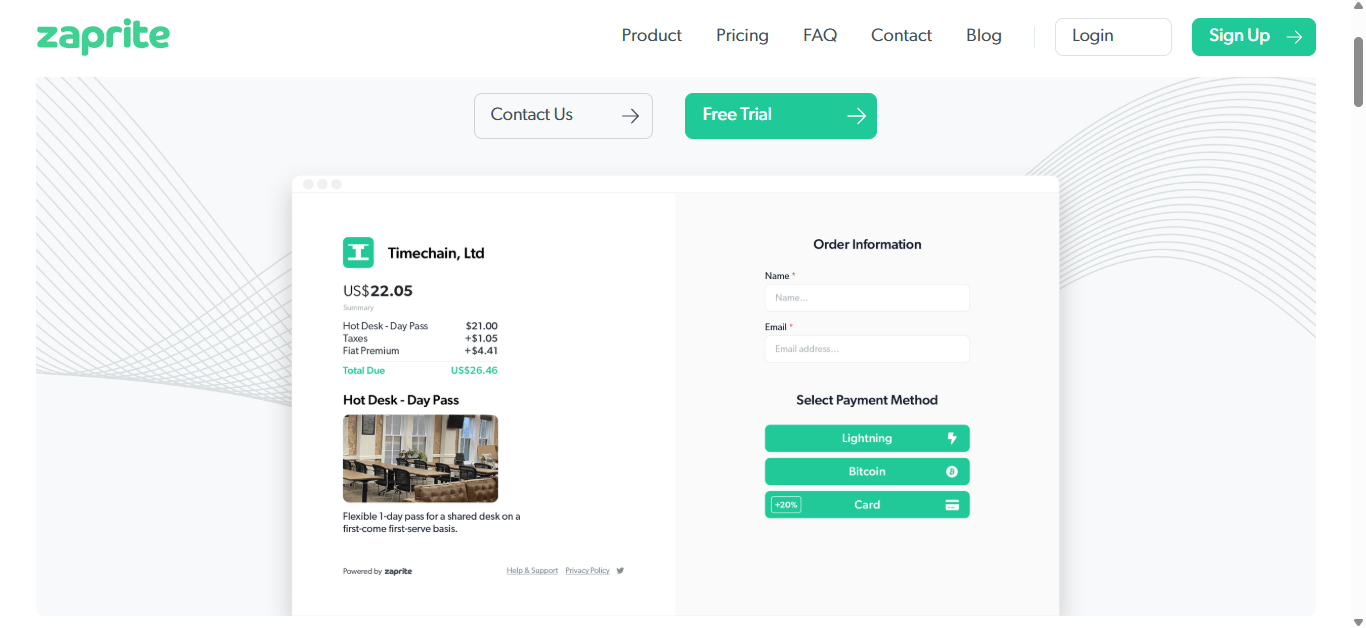
Zaprite operates as an invoicing platform rather than a payment processor. The service generates professional invoices with Bitcoin payment options, but never touches your funds. Payments go directly from customer wallets to your wallet.
Think of it as invoicing software that happens to support Bitcoin, not a payment processor that holds your money.
The Pros
Here are the Pros of using Zaprite.
- Non-custodial model : Zaprite never controls your Bitcoin. Payments settle directly to your wallet, whether that's a hardware device, Lightning node, or mobile wallet.
- Professional invoicing : Branded invoices, recurring payments, payment reminders, and customer management. The platform handles invoicing complexity without touching funds.
- Accounting integration : Direct connections to QuickBooks and Xero. Invoice data syncs automatically for bookkeeping and tax purposes.
- Subscription pricing : Fixed monthly cost regardless of transaction volume. High-volume merchants avoid percentage-based fees eating into margins.
- No KYC requirements : Since Zaprite doesn't custody funds or facilitate conversions, they don't require identity verification or business documentation.
- Flexibility : Use any compatible Bitcoin wallet. Connect hardware wallets, Lightning nodes, or custodial wallets depending on your preference and technical ability.
The Cons
Here are the Cons of using Zaprite.
- Not a checkout solution: Zaprite works for invoicing clients, not processing point-of-sale transactions or e-commerce checkouts. The platform doesn't integrate with shopping carts.
- Wallet management required: Merchants must configure and maintain their own Bitcoin wallet infrastructure. Technical problems with wallets become the merchant's problem.
- Limited payment recovery: If customers send wrong amounts or use expired invoices, Zaprite cannot help. Non-custodial means zero ability to reverse or redirect payments.
- Subscription costs: Unlike free software (BTCPay) or pay-per-transaction models (OpenNode), Zaprite charges monthly whether you process one invoice or one hundred.
- Lightning complexity: While Zaprite supports Lightning payments, merchants need their own Lightning node or compatible wallet. Setting up and maintaining Lightning infrastructure isn't automatic.
- No fiat conversion: Payments arrive in Bitcoin. Merchants wanting USD need separate exchange accounts and manual conversion processes.
Fees Breakdown
- Free plan: $0/month (limited features, Zaprite branding)
- Professional plan: $20/month (full features, custom branding)
- Business plan: $50/month (team features, advanced accounting)
- Transaction fees: $0
- Total cost for 100 transactions: $20-50 monthly subscription only
Best Use Case: Zaprite excels for freelancers and B2B businesses that invoice clients. It fails completely for retail or e-commerce scenarios requiring checkout integration.
 Nakamoto Builder
The Comparison Table
|
The Verdict: Match the Tool to the Job
Choose BTCPay Server when:
- Monthly transaction volume exceeds $10,000
- Technical competence exists in-house
- Sovereignty and zero fees outweigh convenience
- Time investment can be justified by fee savings
- Privacy and censorship resistance matter
Choose OpenNode when:
- Technical expertise doesn't exist
- Automatic fiat conversion is essential
- Professional support justifies the 1% fee
- Transaction volume stays under $10,000/month
- Compliance and regulatory clarity matter more than sovereignty
Choose Zaprite when:
- Business model centers on invoicing rather than checkout flows
- Non-custodial control matters but technical complexity doesn't appeal
- Monthly costs beat percentage fees (high average invoice amounts)
- Accounting integration provides significant value
- B2B payments dominate revenue
The Honest Assessment
Most merchants should start with OpenNode, learn what Bitcoin payments actually involve, then migrate to BTCPay Server if volume and technical ability align. Starting with self-hosted infrastructure sounds principled but often leads to abandoned implementations when reality hits.
For businesses doing serious Bitcoin volume (over $100k/month), BTCPay Server isn't optional. The fee savings alone justify hiring someone to manage it.
Zaprite occupies a specific niche that it serves brilliantly. Freelancers and consultants invoicing clients get professional invoicing with non-custodial control. Everyone else should look elsewhere.
Finally, it's worth mentioning Blockonomics, which enables businesses to accept Bitcoin payments without any KYC requirements. This is an excellent solution for companies that either don't want KYC or can legally bypass it in their jurisdiction.
The best Bitcoin payment solution isn't the one with the most impressive technology. It's the one matching your technical ability, transaction volume, and business priorities. Choose accordingly.
Resources:
- BTCPay Server: docs.btcpayserver.org
- OpenNode: opennode.com
- Zaprite: zaprite.com
—Disclaimer: This article is for informational purposes only and does not constitute financial or legal advice. Payment processor features and pricing change frequently. Verify current terms before implementation.
